How to Solve Milling Chatter, Burrs, and Tool Chipping
Table of Contents
Chatter marks, heavy burrs, and chipped cutting edges often appear together, but they do not always share the same root cause. Chatter points first to an unstable cutting system. Burrs usually begin with how the edge exits the workpiece or with a dull tool. Chipping can come from mechanical overload, repeated impact, chip recutting, thermal shock, or an insert that is too brittle for the cut.
The fastest way to recover the process is to identify the first failure in the chain. A loose setup can start vibrating, the vibration can damage the cutting edge, and the damaged edge can then push material aside instead of shearing it cleanly. If the shop responds only by slowing the feed, the symptom may change while the unstable setup remains.
This guide gives a practical troubleshooting order for solid carbide end mills and indexable milling cutters. Exact cutting data must still come from the tool supplier and be adjusted for the workpiece material, cutter diameter, engagement, machine condition, and holder.
Start by separating the three symptoms
A quick inspection under good lighting is more useful than changing several parameters at once. Chatter leaves repeated waves or bands on the machined surface and often creates a recognizable tone. A burr is plastically deformed workpiece material attached to an edge. Chipping is missing carbide from a cutting edge; it may be a few microscopic defects or a visible fracture.
Symptom | What to inspect first | Typical first correction |
Chatter | Tool overhang, fixture movement, runout, engagement, spindle speed | Shorten and stiffen the setup, then move away from the unstable speed range |
Burrs | Exit edge, cutting-edge sharpness, climb versus conventional milling, chip thickness | Improve exit conditions and replace or index a dull edge |
Tool chipping | Location of damage, chip packing, interrupted cuts, insert seating, thermal cracks | Remove impact or recutting, reduce overload, and choose a tougher edge preparation if needed |
Do not change speed, feed, depth of cut, tool geometry, and coolant at the same time. Record the current condition, change one variable, and inspect the next part. This makes the result repeatable and prevents a temporary improvement from being mistaken for a cure.
Milling chatter and vibration
Chatter is a self-excited vibration in which movement during one tooth pass changes the chip thickness seen by the following tooth. The process can build on itself until the surface, cutting edge, or spindle load becomes unacceptable. Forced vibration from an unbalanced holder, a loose component, or a damaged bearing can produce a similar surface, so the mechanical system should be checked before tuning cutting data.
Find the weak link in the stiffness chain
Begin at the workpiece and move toward the spindle. Confirm that the part is supported close to the cutting zone and cannot rock in the fixture. Check the insert screws, cutter body, collet or hydraulic chuck, holder taper, spindle interface, and machine axes. Measure tool runout rather than judging it by eye.
Tool overhang deserves special attention because bending stiffness drops sharply as projection increases. Use the shortest cutter and holder assembly that reaches the feature. Clamp a solid carbide tool on its full cylindrical shank, not on the flute transition. For a deep feature, rough with a short assembly and change to the long-reach tool only when access requires it.
Sandvik Coromant recommends keeping the assembly short and rigid, selecting the largest practical adapter size, and using the smallest cutter diameter that can complete the operation. Its milling guidance also notes that coarse-pitch or differential-pitch cutters can reduce the tendency for repeated tooth impacts to excite the same vibration mode.
Change engagement before simply slowing everything down
Reducing radial or axial depth of cut lowers force, but it is not the only option. In corners, radial engagement can jump abruptly and load several flutes at once. A toolpath that maintains a controlled engagement angle often removes the source of the overload without sacrificing the programmed feed everywhere else.
Spindle speed is another strong lever because chatter occurs in unstable speed bands. A meaningful change in rpm can move the cut into a stable region. Small adjustments may do little. Feed per tooth should remain high enough for the edge to cut rather than rub, especially with honed or chamfered carbide edges. This is why blindly reducing feed can sometimes make vibration worse.
For an indexable face mill, cutter position and entering angle change the balance of radial and axial force. A 45-degree cutter distributes the load more evenly than a 90-degree shoulder mill. Round inserts or small entering angles can direct more force into the spindle axis, which may help a long-overhang setup. Thin walls are different: excessive axial force can deflect the part, so the force direction must suit the workpiece.
Choose geometry for a stable cut
A sharp, positive geometry reduces cutting force and is often useful on light machines or flexible parts. Variable-pitch and variable-helix end mills interrupt the regular tooth-impact pattern. A coarse-pitch indexable cutter leaves fewer inserts engaged at once and creates more chip space. These choices can outperform a denser cutter when the setup is weak, even though a fine-pitch cutter may look more productive on paper.
Damped holders and milling adapters become relevant when reach cannot be shortened. They do not repair a loose fixture or worn spindle, but they can absorb energy in an otherwise sound long-reach assembly.
Burrs at the workpiece edge
Burr formation is controlled by material ductility, edge sharpness, cutting direction, and the chip thickness at entry and exit. The burr often appears where the cutting edge pushes the final layer of material outward rather than supporting and shearing it.
Inspect where the cutter leaves the part
Mark the cutter path and identify the exit edge. If the insert leaves the workpiece under a heavy chip load, the remaining material can bend and tear. Repositioning a face mill slightly off center can move the exit to a more favorable location and reduce exit chip thickness. For many operations, climb milling gives a thick-to-thin chip and lets the tooth exit near zero thickness, which can improve the edge.
Climb milling assumes that backlash is controlled and the setup is secure. On an older manual machine with significant backlash, conventional milling may be safer. Case-hardened surfaces, scale, interrupted features, or a fragile exit wall can also justify a different approach. Treat cutting direction as a process choice, not a rule that overrides the machine and part condition.
Separate a dull edge from an overloaded edge
A worn flank or built-up edge increases rubbing and pushes material toward the free edge. Index or replace the insert before making large parameter changes. For solid carbide tools, examine the corner and primary cutting edge under magnification. A tool can still look intact to the naked eye while its edge radius has grown enough to produce burrs.
If the edge is sharp, reduce the exit load by changing cutter position, radial engagement, or feed per tooth. A light finishing pass can help, but it should leave enough material for a real chip. A near-zero stock allowance makes the edge rub and can create a worse burr.
For thin walls and weak edges, support the workpiece close to the cut and machine toward the supported material when the geometry allows. A smaller-diameter cutter reduces leverage and may give more control over entry and exit.
Tool chipping and edge fracture
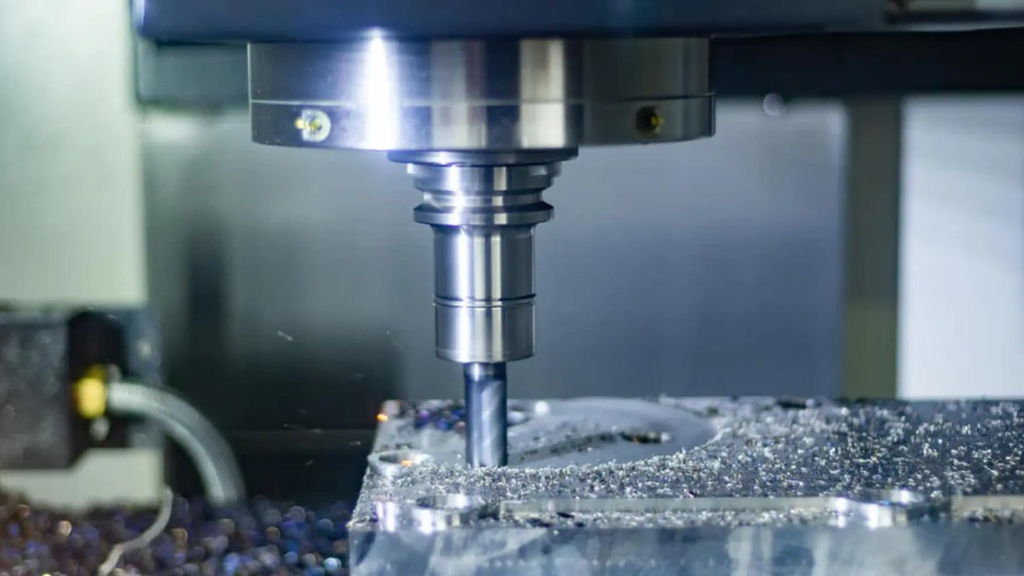
Carbide tolerates high compressive load but is less forgiving of impact, bending, poor seating, and thermal cycling. The location and pattern of the damage usually reveal more than the size of the chip.
Read the damage pattern
Uniform small chips along several flutes often point to vibration, abrasive inclusions, or an edge preparation that is too sharp for the load. Damage on one flute suggests runout, uneven insert seating, or a local defect. Chipping at the depth-of-cut line can come from a hardened surface layer, scale, oxidation, or concentrated wear. Large fractures raise concern about chip packing, tool overhang, an interrupted cut, or a collision.
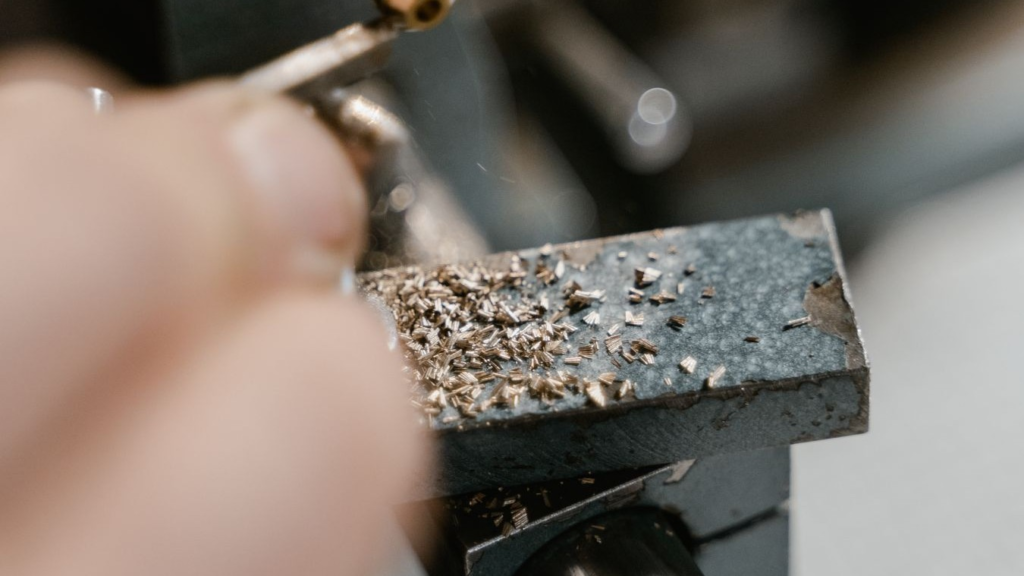
For indexable cutters, remove the insert and clean the pocket. Check the seat, shim, screw, and contact pattern. Dirt or a damaged pocket can leave the insert unsupported. Confirm cutter runout after assembly; one high insert may carry most of the chip load.
Control mechanical overload
Reduce feed per tooth or depth of cut when the edge is plainly overloaded, but keep the diagnosis specific. A cut that fails only in a corner may need a smoother toolpath rather than a slower feed along the entire path. A tool that fails at entry may need a ramp, arc entry, lower entry feed, or a stronger corner. Interrupted surfaces may require a tougher carbide grade, a larger hone or T-land, and a cutter geometry that directs force away from the insert nose.
Increasing the nose radius or edge hone improves strength, but it also increases cutting force. A large hone on a light machine can feed the chatter that caused the chipping. Match edge preparation to the stability of the system and the workpiece material.
Stop chip recutting
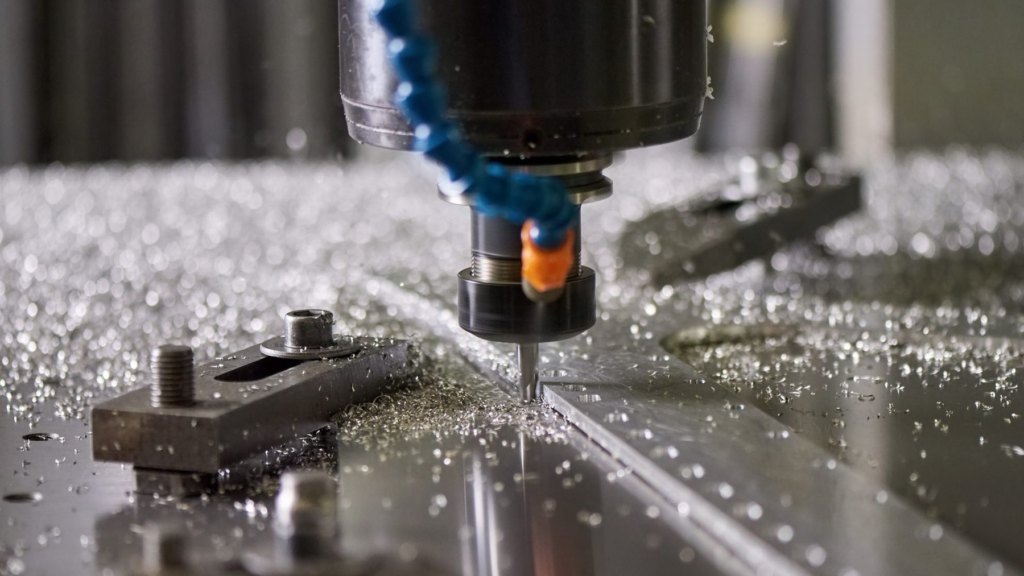
Packed chips can break an otherwise suitable cutter. Slotting is especially vulnerable because chips have limited escape space. Use fewer flutes or a coarser pitch when more gullet volume is needed. Direct air or coolant into the cut so chips leave the path before the next tooth arrives.
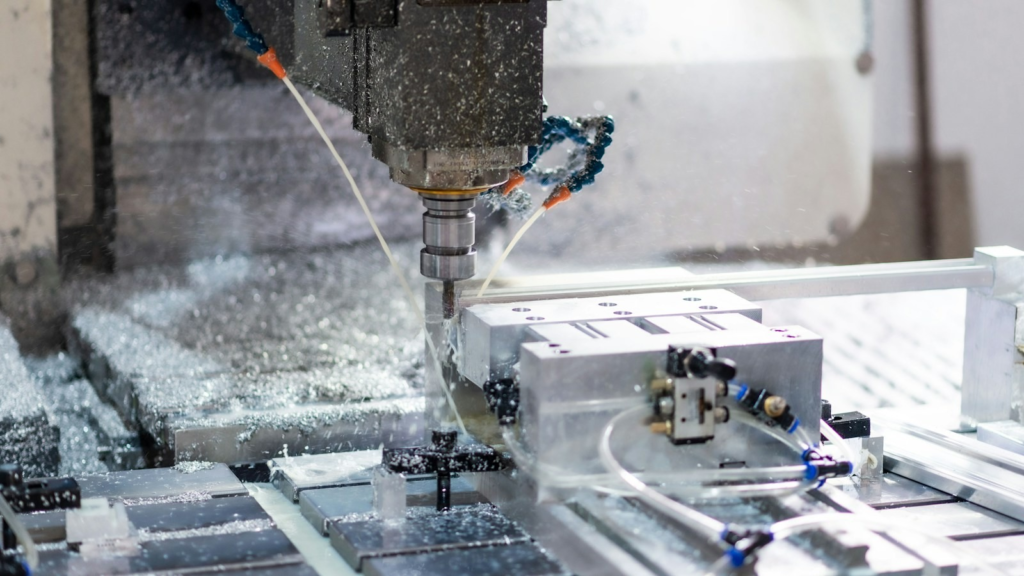
Coolant strategy must be consistent. Intermittent coolant on a hot carbide edge can create thermal cracks, particularly in indexable milling. Depending on the workpiece and cutter recommendation, a stable dry process with air evacuation may be better than an unreliable trickle of coolant. When coolant is required, deliver enough flow to reach the cutting zone and clear chips. Pressure alone does not guarantee useful flow.
Match grade and geometry to the failure
Choose a tougher carbide grade when impact or interrupted cutting dominates. Choose a more wear-resistant grade when the edge wears smoothly before it fails. A positive rake and sharp edge reduce force in stainless steel and other work-hardening alloys, while a honed or chamfered edge may survive better in cast skin, scale, or interrupted cuts. Cermet and CBN are application-specific choices, not general substitutes for carbide when chipping occurs.
A troubleshooting sequence that works on the shop floor
Use the sequence below to avoid chasing secondary symptoms.
Step | Check | Evidence to collect | Corrective action |
1 | Tool and workpiece security | Witness marks, fixture movement, loose screws, holder contamination | Clean, reseat, tighten correctly, and add support near the cut |
2 | Overhang and runout | Gauge length, tool runout, insert height variation | Shorten the assembly, use a larger holder, correct pocket or collet problems |
3 | Tool condition | Flank wear, built-up edge, chipped corners, thermal cracks | Index or replace the edge; select a suitable grade and edge preparation |
4 | Chip evacuation | Packed flutes, recut chips, blocked coolant path | Use fewer flutes or coarser pitch; redirect air or coolant and increase useful flow |
5 | Cutter engagement | Corner load, slot width, number of teeth in cut, entry and exit position | Reduce or control engagement; change cutter offset or entry path |
6 | Cutting data | Actual rpm, feed per tooth, axial and radial depth, spindle load | Move rpm out of the unstable band and adjust one parameter at a time |
7 | Machine condition | Spindle noise, bearing play, axis backlash, repeatability | Repair or compensate for the mechanical fault before production continues |
Common corrections and their tradeoffs
Correction | Usually helps when | Watch for |
Shorter overhang and larger holder diameter | Chatter, runout sensitivity, edge chipping | Feature access and collision clearance |
Variable-pitch or coarse-pitch cutter | Regenerative chatter and too many teeth in cut | Lower tooth count may require a different programmed feed |
Lower radial or axial engagement | Force overload and corner chipping | Excessively light cuts can cause rubbing |
Higher feed per tooth | Edge rubbing at very low chip thickness | Do not exceed edge strength or machine power |
Lower feed per tooth | Mechanical overload and heavy exit burrs | May worsen rubbing if taken too far |
Climb milling | Burr control and smoother chip thinning toward exit | Backlash, weak exit edges, scale, and interrupted surfaces |
Tougher grade or stronger edge preparation | Impact and interrupted cuts | More cutting force and potentially lower wear resistance |
Air blast or reliable coolant flow | Chip packing and recutting | Thermal shock from intermittent coolant |
What tooling buyers should ask before changing suppliers
Repeated failures are not always a product-quality problem. Before requesting a new grade or geometry, share the workpiece material and hardness, cutter diameter, flute or insert count, holder type, gauge length, radial and axial engagement, speed, feed per tooth, coolant method, and a clear photo of the damaged edge. Include where the failure occurs in the toolpath.
This information lets a supplier distinguish a wear-resistance problem from a toughness, geometry, or setup problem. It also makes a trial meaningful. A new cutter should be compared under recorded conditions, with the same toolpath and inspection criteria.

Final diagnosis
For chatter, restore stiffness and control engagement before fine-tuning speed. For burrs, inspect the exit edge and cutting-edge condition. For chipping, read the fracture pattern, eliminate impact and chip recutting, then select the grade and edge preparation.
HNCarbide can review application details for solid carbide end mills and carbide milling tools. The most useful inquiry includes the material, operation, engagement, holder, tool projection, cutting data, coolant method, and photos of the part and failed edge.